Plask AI
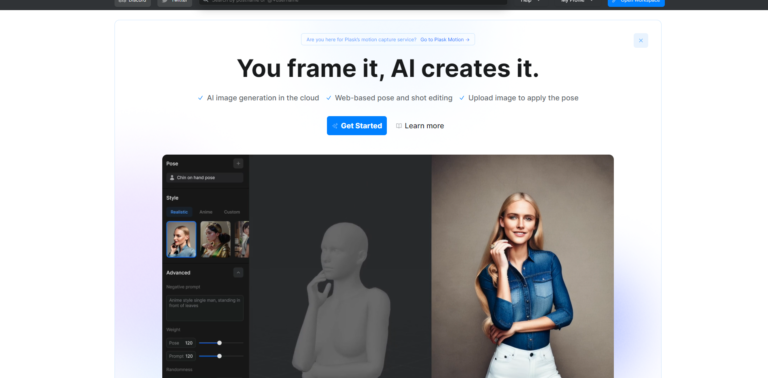
Plask Generative AI 是一個線上自動生成圖像平台,用戶可以在 3D 人體模型擺出不同姿勢,輸入文字後,即可生成圖像。

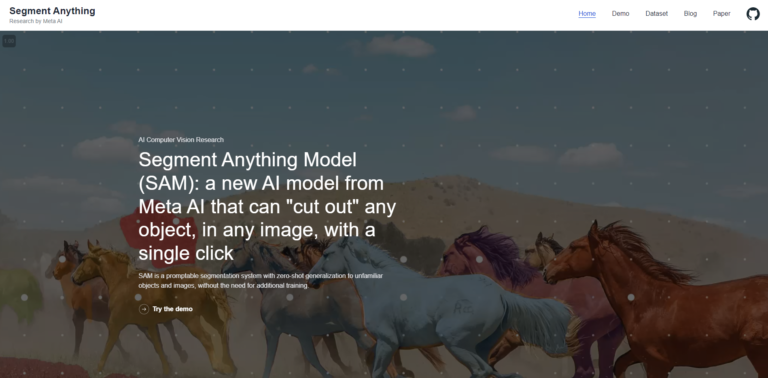
Segment Anything 是 Meta 基於 AI 的圖像分割模型,可輕鬆地執行單擊或交互式分割和自動分割。
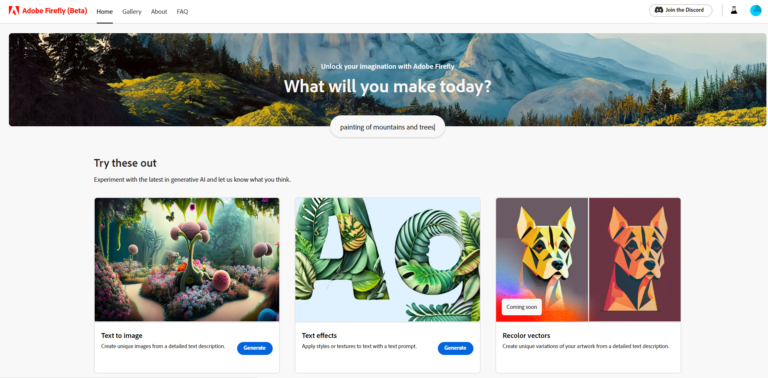
「Firefly」是 Adobe 推出的 AIGC 模型,由多種 AI 模型組成,能使用文字生成影像、向量圖、模板、筆刷、圖案等內容。
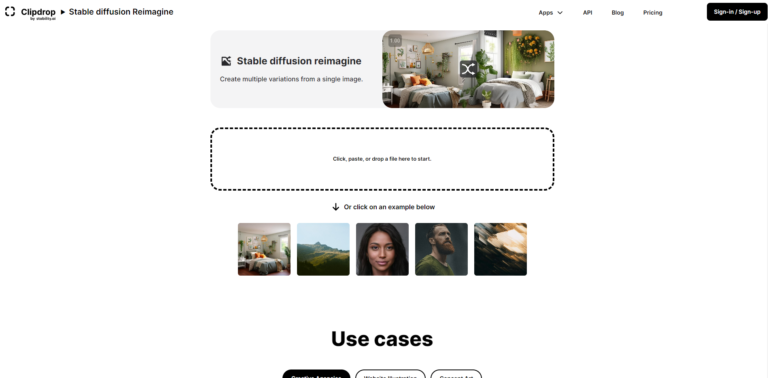
Stable Diffusion Reimagie 是 Stability AI 推出的圖像生成器,上傳一張圖就能「再想像」更多的圖片,適合靈感創作。
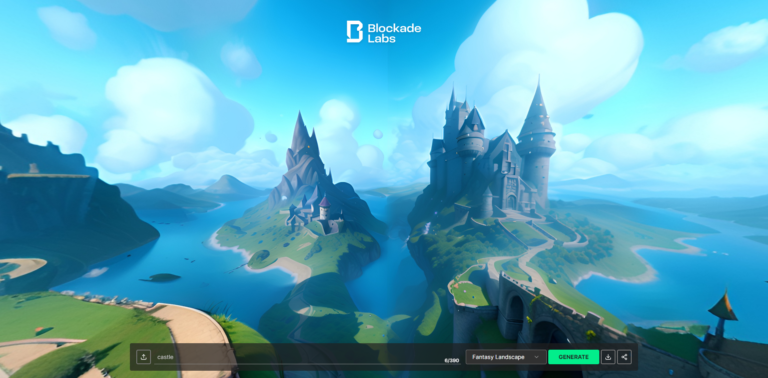
Blockade Labs 是一個用文字或上傳圖片快速生成360度全景圖的工具,提供不同風格供用戶選擇,讓用戶快速建立3D世界。
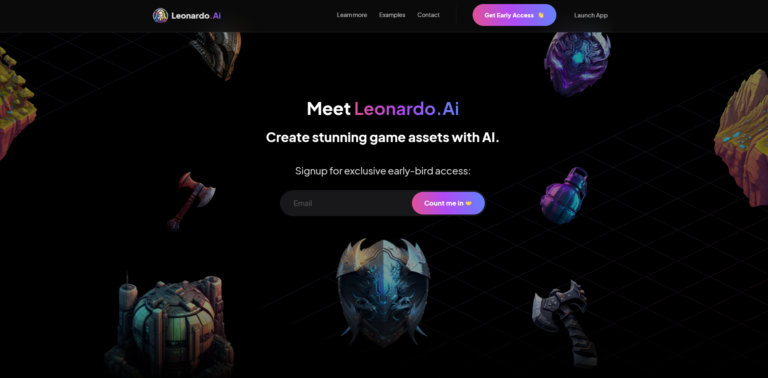
Leonardo AI 是一款線上AI繪圖網站,用戶可以在平台上創建藝術作品,Leonardo依據訓練數據生成不同類型圖像。
Deep Dream Generator 是AI繪畫生成器,它的使用方法非常簡單,只需輸入文字或上傳一張圖片,Deep Dream 即可根據原圖生成新的圖片。
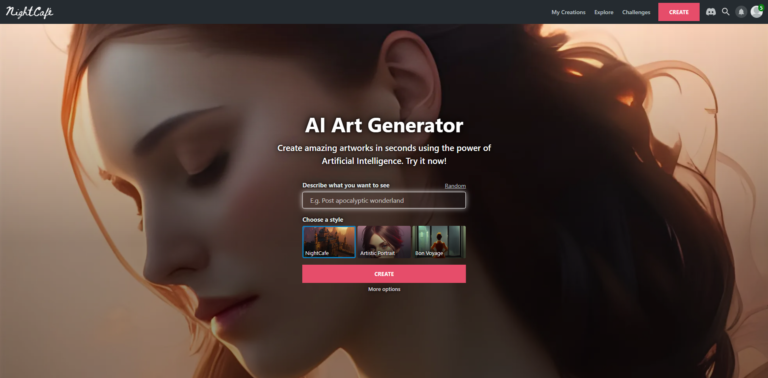
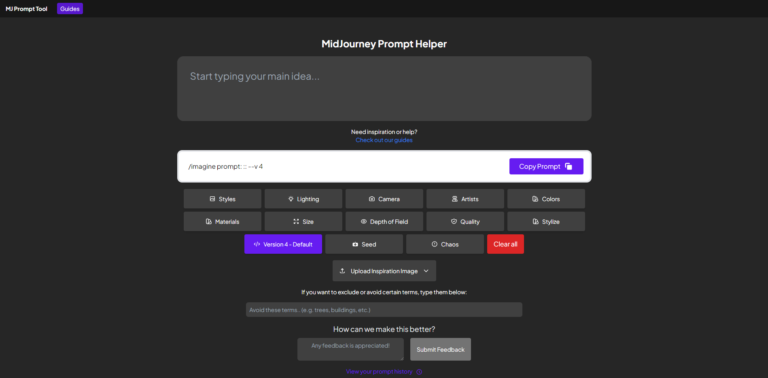
MidJourney Prompt Helper是提示詞生成器,為用戶在AI 繪畫時提供靈感和創造力。
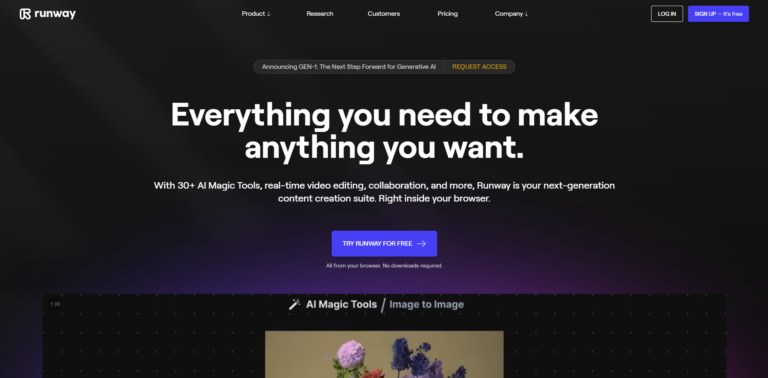
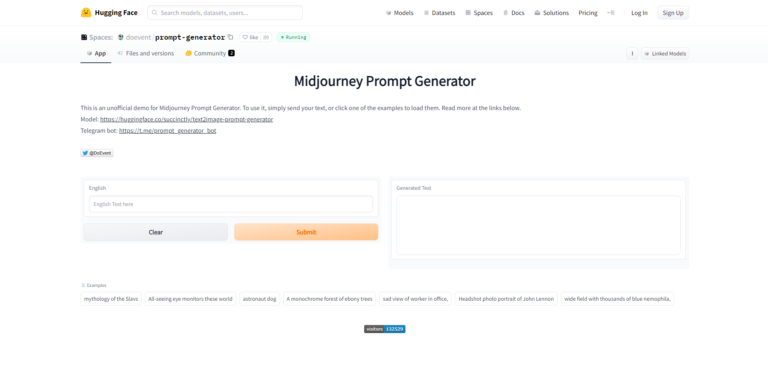
MidJourney Prompt Generator是提示詞自動生成工具,輸入文字會輸出不同Prompt。
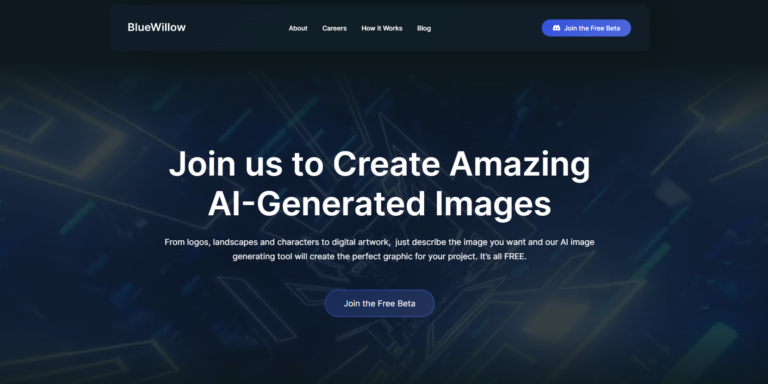
Blue Willow 是 AI 繪圖工具,輸入文字,AI自動生成圖片。